01
Your links, on any device
Your LinkBento is saved to your account. It is designed primarily for computers and is also accessible in web browsers on phones and tablets.
CORE FEATURES ARE FREE
Bring the websites you use for work and daily life into one personal home screen. Open the same links quickly from your computer or phone.
Core features such as saving, organizing, searching, Import, and Export are free.
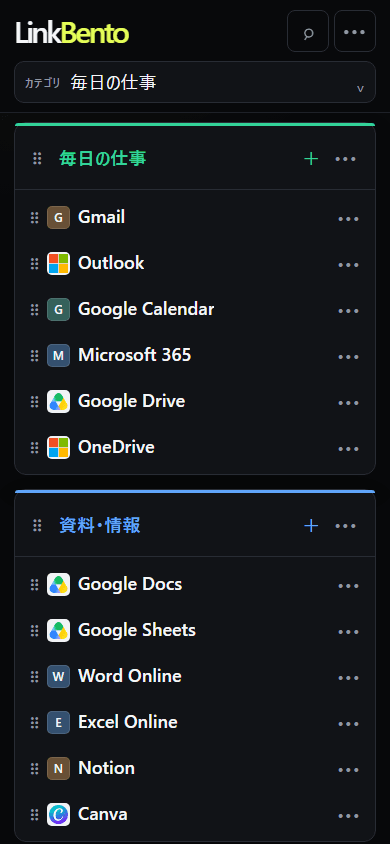
Drag links or categories, or right-click a favorite to try the interactions.
Interactive mockup. Some UI and interactions differ from the product.
A SIMPLE WEB LAUNCHER
LinkBento is not another information portal. It is a simple home screen that gets you to the web services you already use.
FIND YOUR LINKBENTO
For work, study, or everyday browsing. Choose a profile to see how familiar websites can become a personal home screen.
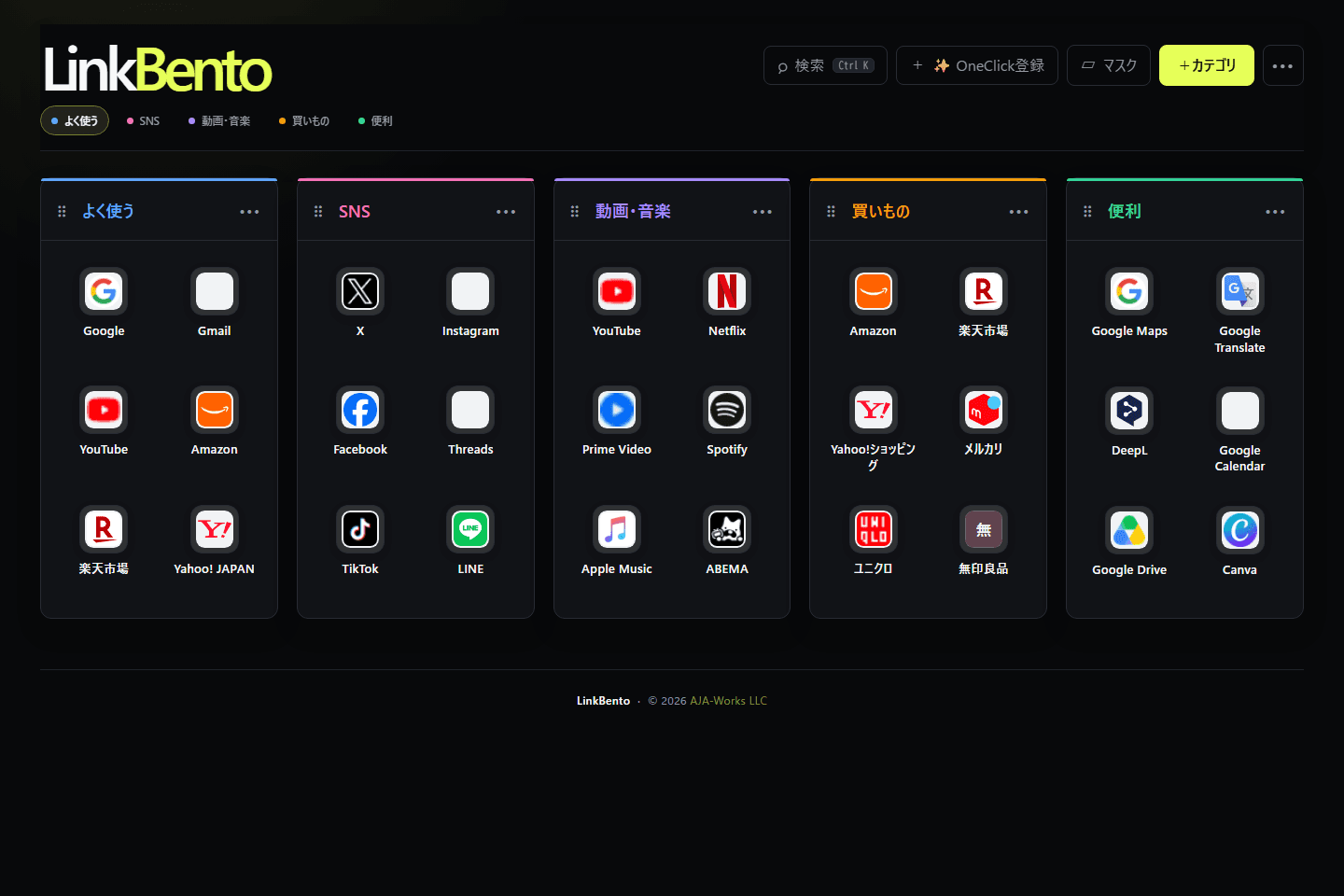
Services shown are examples of links a user may save. Their inclusion does not imply a partnership, endorsement, or official integration.
WHAT MAKES IT USEFUL
Your LinkBento is saved to your account. It is designed primarily for computers and is also accessible in web browsers on phones and tablets.
Enter a URL and LinkBento fetches its page title and favicon*. A bookmarklet can also save the page you are currently viewing. *A favicon is the small icon that represents a website.
Use categories, drag and drop, moves between categories, and cross-category search. Switch between list and launcher views to build a home that feels natural.
Your saved links remain tied to your signed-in account. LinkBento does not publish them as a public link collection or mix ads into your link list. You can also export your data.
BUILT FOR QUICK ACCESS
LinkBento is a home screen for the websites you use most. Keep them in familiar places so you can open them without searching, hesitating, or losing time. Even as your collection grows, having everything arranged your way just feels good. That’s why LinkBento stays focused on getting you where you want to go, without piling on unnecessary features.
THOUGHTFUL DETAILS
Your links remain the focus. The supporting tools are there when you need them and stay out of the way when you do not.
Temporarily hide categories and links during screen sharing. (Computer only)
Leave a short note on any saved link.
Save your registered data and bring it back when needed.
Find links by name or category from one search.
Switch between list and launcher views for the task at hand.
Recover a link after moving it to Trash.
Choose Light, Dark, or Midnight.
Change the display language at any time.
EARLY ACCESS PROGRAM
We are improving LinkBento by learning which workflows become useful in daily life. Participants can try implemented features being considered for LinkBento Plus at no charge during Early Access.
Choose Early Access or regular Free when signing up. You can join or leave later in Settings.
We review trends such as counts, frequency, view mode, language, registration country, and feature usage. We do not use saved URL contents, category names, note text, or Bridge contents for advertising or profiling.
Some conditions may change when formal plans launch. Existing data will not be deleted or hidden, and viewing, deletion, and Export will remain available. If you exceed a new limit, new additions may be restricted until you are within it.
CORE FEATURES
Free includes the heart of LinkBento: saving links, organizing categories, search, view switching, access across devices, Import, and Export. Plus is being explored as optional room to do more, not as a fix for an incomplete Free experience.
FAQ
LinkBento is your personal web launcher for arranging frequently used websites by category, searching them, and opening them quickly.
You can use the same link collection across browsers and devices. LinkBento adds categories, search, drag-and-drop ordering, and switchable list and launcher views.
LinkBento works in web browsers on computers, phones, and tablets. Sign in with the same account to access your categories and links across devices.
Core features are free. We may introduce a paid plan such as Plus later, but its final features and pricing are still being considered.
It is a period for improving LinkBento through real usage before the final Free and Plus structure is decided. Participants can use selected implemented features being considered for Plus at no charge.
No. You can continue as a regular Free member. You can join or leave Early Access later from Settings.
Participants can currently use Bridge (for passing text and small files between their own devices), Organize, and expanded category and link limits. Future availability will be decided based on actual usage and feedback.
We review trends such as category and link counts, usage frequency, view mode, language, registration country, and feature usage. We do not analyze saved URL contents, category names, note text, or Bridge contents for advertising or individual profiling.
We will not delete or hide saved data because the Early Access Program ends. If plans or limits change and your saved items exceed a new limit, you can still view, delete, and Export your existing data. You may be unable to add new categories or links until you are within the new limit.
No. It is stored for the signed-in user. LinkBento currently has no feature for publishing your collection to other users.
Yes. You can save your registered data with Export and bring it back with Import.
Links and categories can be moved to Trash, restored, or permanently deleted. You can also request account deletion and cancel that request within 30 days.
Use “Forgot your password?” on the login page to request a reset email. If you signed up with Google, sign in with your Google account.
LinkBento does not place banner ads on the launcher or insert ads into your link lists. In the future, we may introduce recommended web services or sponsored information, and may send service updates to users who opt in. Advertising and sponsored content will always be clearly identified.
Please use the contact form on the AJA Works website. We do not currently offer phone support. As LinkBento is operated by a small team, some inquiries may take time to answer.
There is no dedicated app at this time. LinkBento runs in a web browser and is designed primarily for computers, while remaining accessible from phones and tablets. A dedicated app may be considered in the future.
LinkBento is pronounced “Link Ben-toh.” It combines “Link” with the Japanese bento: a neatly divided lunch box, reflecting the idea of packing favorite links into tidy categories and carrying them with you.
READY WHEN YOU ARE
Signup is currently in preparation. Existing users can continue to log in.
CORE FEATURES ARE FREEBY AJA WORKS
LinkBento is developed and operated by AJA Works LLC.
AJA Works